
1 min read·Last updated: 09.02.2025
How to Access Voicemail on Mobile
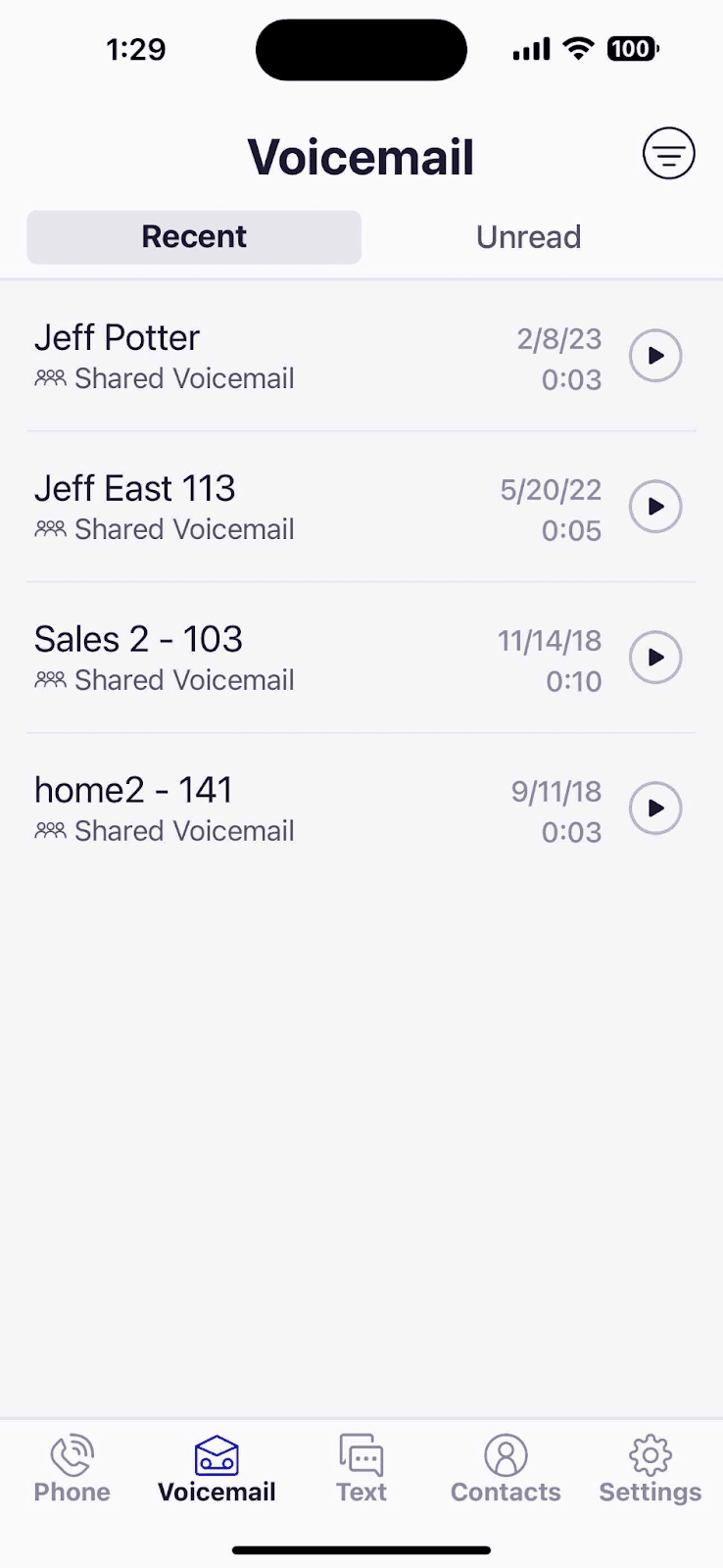
You can listen to your voicemails on the go directly from the Mango Voice mobile app. Follow the steps below to access your messages.
- Log into the Mango Voice Mobile App.
- Select the Voicemail tab at the bottom of the page.
- Click the play button next to the voicemail to listen to it.
Related
Looking to access a shared mailbox? See Access Shared Voicemail on Mobile. You can also access voicemail on the Web App.
How do I get help?
- Mango Voice Support — Phone: (435) 466-2646
- Mango Voice Support — Email: support@mangovoice.com