
1 min read·Last updated: 10.08.2024
User Groups
Why use this?
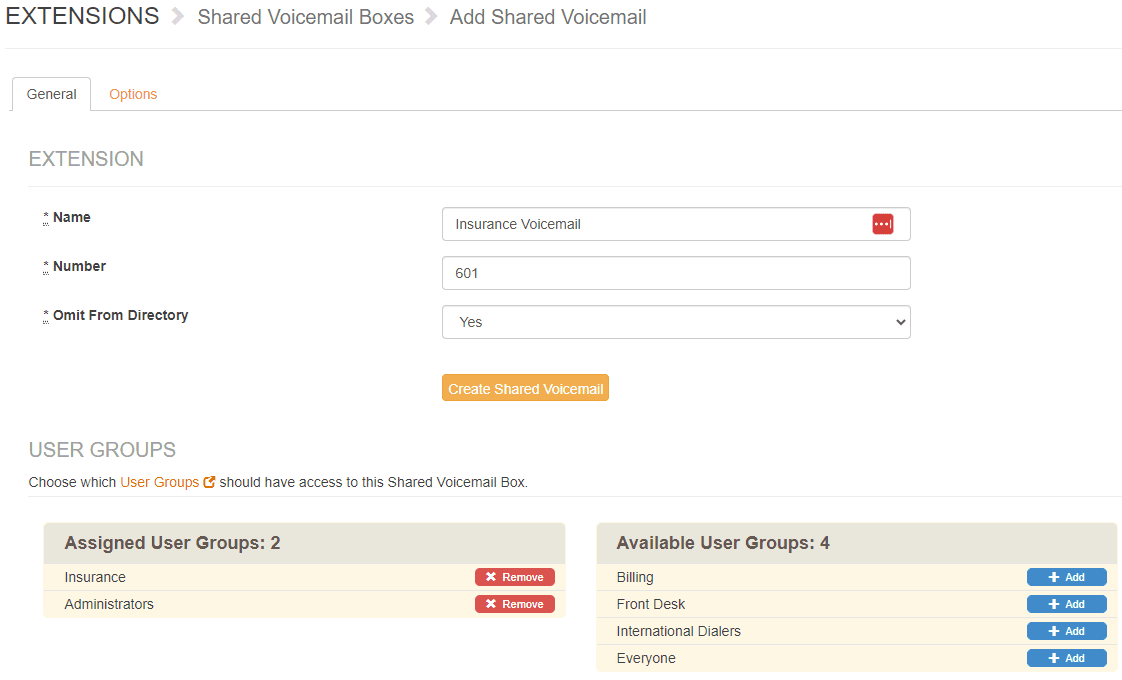
User Groups are a helpful organization tool so that you only see the voicemails and faxes that pertain to you and your department.
For example: If you create a User Group for the Insurance department, then you can set up the Insurance voicemail so that only those users will see and have access to them.
To set up
- Log into admin.mangovoice.com as a Super Administrator.
- Your permission level is listed next to Logout in the upper right-hand corner.
- If you need your permission level changed, please contact Support or your account owner.
- Click on + next to Users.
- Click User Groups.
- Click New User Group.
- Enter a Name (like Insurance or Billing).
- Select the users from the list on the right that should be part of this group.
- Click Add User Group.
That’s it! The User Group is now available for Shared Voicemails and Virtual Faxes.
How do I get help?
- Mango Voice Support — Phone: (435) 466-2646
- Mango Voice Support — Email: support@mangovoice.com