
1 min read·Last updated: 04.26.2024
Jump to Switchboard switchboard object
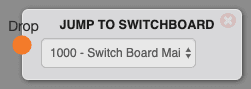
Use the Jump to Switchboard object to send a call from one switchboard into another, continuing the call flow there. It's a handy way to break large, complex call flows into smaller switchboards that are easier to manage.
Options
Jump to Switchboard will take the call to the specified switchboard and continue the call flow there.
Use cases
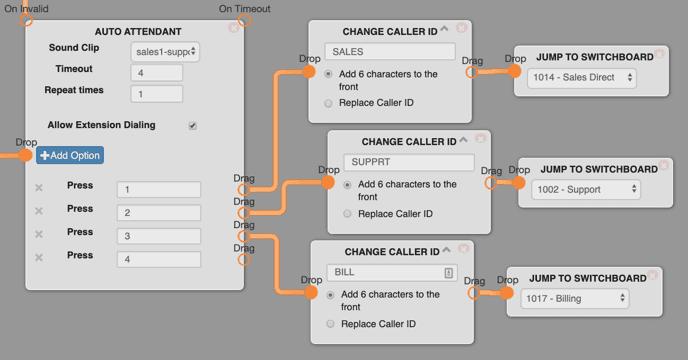
- Use this after an auto attendant to transfer to different departments — for example sales, support, and billing. This allows each department to customize and control their own separate call flows (switchboards).
- Place this after an auto attendant or before a very complicated workflow to keep the visual complexity of the switchboard down.
How do I get help?
- Mango Voice Support — Phone: (435) 466-2646
- Mango Voice Support — Email: support@mangovoice.com