
Guides & Tutorials
How to Answer a Remote Phone That Is Ringing (Ring Intercept / Call Intercept)
1 min readLast updated: 06.24.2024
You can answer another extension that is ringing by using the Ring Intercept feature.
Simply dial ** + the extension of the phone that is ringing.
For example, if extension 101 is ringing, you would dial **101 to intercept and pick up the remote extension.
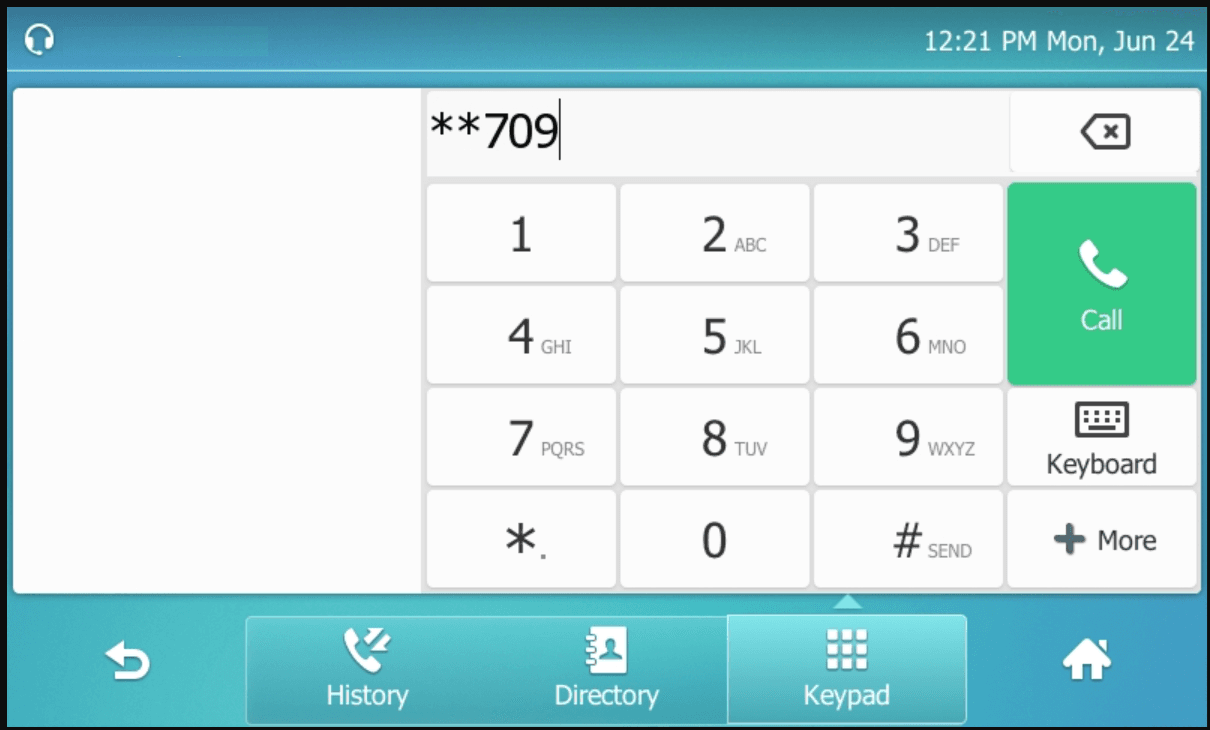
Example (T57W)
To intercept a call that is currently ringing ext 709, you would dial **709 and then press Call.
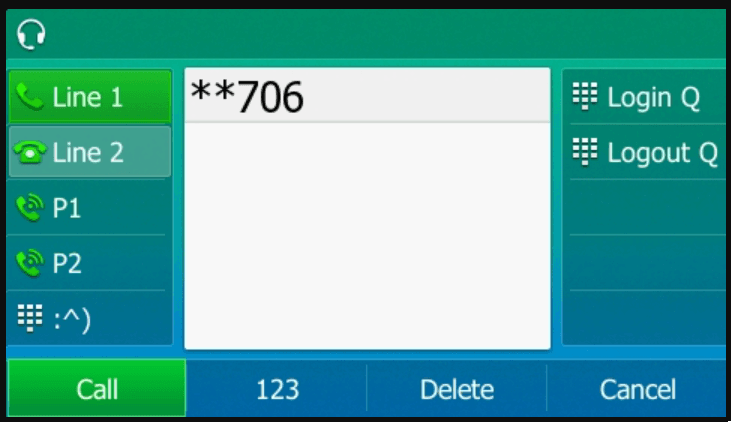
Example (T54W)
To intercept a call that is currently ringing ext 706, you would dial **706 and then press the Call button.
Still need help?
If Ring Intercept isn't working, confirm you're dialing a valid extension that is actively ringing and that your phone is registered in the Mango Voice system.
Visit the Support Center