
1 min read·Last updated: 09.02.2025
Enable an Extension's Mobility Access
An extension must first be enabled in the administration portal to obtain access to the mobile app. An administrator or higher role can edit extension settings.
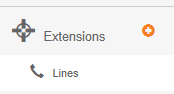
- Select the + next to Extensions in the left side menu.
- Select Lines.
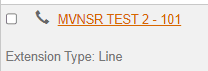
- Select the line or the orange edit button next to the line you would like to enable.
- Scroll down to the Mobility Access section.
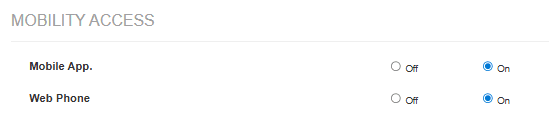
- For mobile app access, set the Mobile App to On.
- For web or desktop app access, set the Web Phone to On.
- Click Update Extension.
How do I get help?
- Mango Voice Support — Phone: (435) 466-2646
- Mango Voice Support — Email: support@mangovoice.com