
Guides & Tutorials
Change Voicemail Password in the Admin Portal
1 min readLast updated: 05.01.2024
You can reset the voicemail box password for any extension directly from the Mango Voice Admin Portal.
Note: A user must have an Administrator or higher role and permission to edit extensions and change voicemail passwords.
Steps
- 1
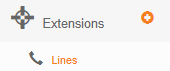
Select the plus button next to Extensions.

- 2
Select Lines.
- 3
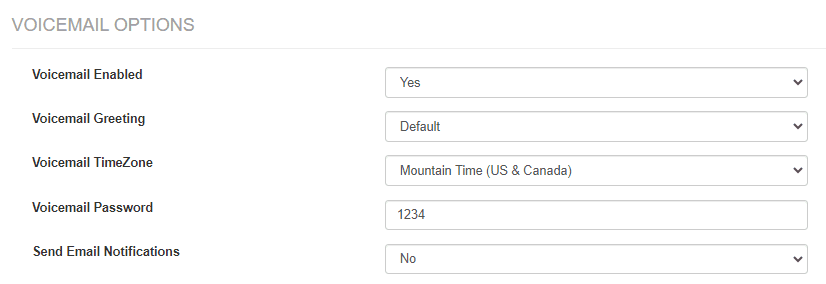
Select the extension whose voicemail password you want to edit, then scroll to Voicemail Options and enter a new value in the Voicemail Password box.
- 4
Select Update Extension to save your changes.
Still need help?
If you don't see the option to edit extensions or change voicemail passwords, your account may not have the required Administrator role and permissions.
Visit the Support Center