
1 min read·Last updated: 07.08.2024
How to program a speed dial button
The following instructions will assist you in creating a speed dial button on your phone.
In the Mango Voice admin interface, using the menu on the left of your screen, press:
- My Devices

- Select the Device you want to change
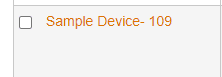
- Scroll down to Lines and Buttons
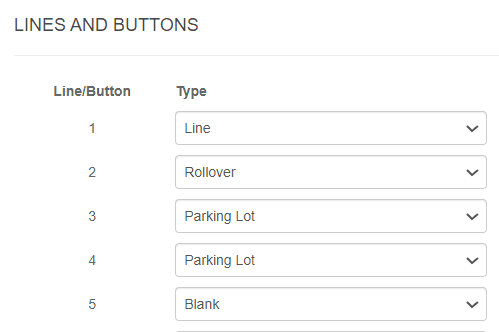
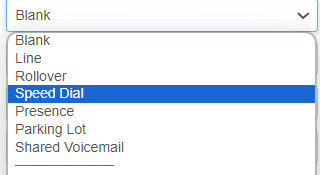
- Select a Button and choose Speed Dial from the drop-down menu
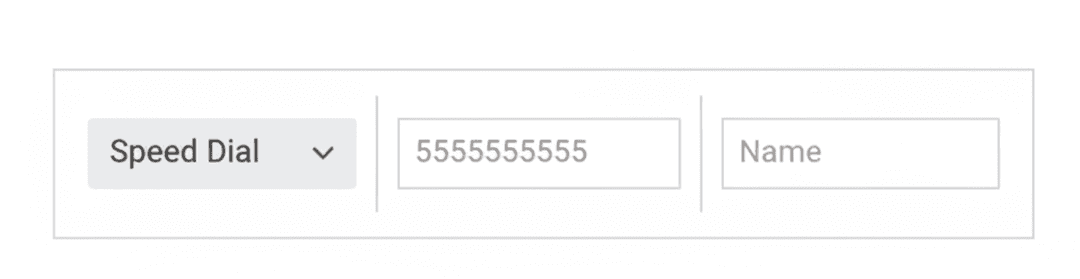
- Type in the number and give it a name
- Scroll to the bottom and Press Update Device or Save

- You may need to power cycle the phone to apply the changes